Matthew O. Persico
Matthew Persico's Blog and Reference Site
Project maintained by matthewpersico Hosted on GitHub Pages — Theme by mattgraham
Being Brave
16 May 2026 - Tech
I spent a good portion of my day changing browsers.
The Problem
Like many people, I used Chrome for a long time. When it first came out, it fast, it was responsive, and it wasn’t Internet Explorer. As time passed, it felt as though Chrome was getting less and less responsive and so, when Microsoft released its Chromium rewrite of Edge in January of 2020, I tried it.
As I remember it, it was much faster and more responsive than Chrome. It also seemed to be a lot easier to sync bookmarks across platforms. I made it my default in Windows and on my iPhone.
As time passed, Edge also seemed to be getting slower and bloated. The last straw was this past Friday. My laptop actually froze. I had maybe 25 tabs or 30 tabs open. The CPU was pegged at %95. Task manager showed 230 Edge processes.
There had to be another way. So I googled. And I read. And then I went to use.ai and asked OpenAI GPT-5.5 the question:
Which browser is the most responsive and uses the least resources?
I’ll spare you the prose and cut to the chart:
| Best choice | Pick |
|---|---|
| Lowest resources on Mac | Safari |
| Lowest resources cross-platform | Brave |
| Most responsive benchmark result | Firefox |
| Best Windows tab-heavy setup | Edge with Sleeping Tabs |
| Avoid if RAM is tight | Chrome, especially with many tabs |
I find it funny that Edge is promoted as “Best Windows tab-heavy setup”, given that I experienced the exact opposite result in this situation.
And so, I decided to move to Brave.
Set up on Windows
I started on my Windows laptop. I successfully downloaded the install and ran it. Brave then imported all of my bookmarks in from Edge and I set Brave to the default browser. I spent some time hitting my most used sites so that I could enter logins and passwords where needed.
Chrome uses Google infrastructure (log in with your Google credentials) and Edge uses Microsoft infrastructure (that infamous Microsoft account that you must work really hard to avoid when installing Windows) to share bookmarks across platforms. With Brave, it is different.
There is an explicit “Sync” section in the Brave Settings. On the first platform where you install Brave, you establish a new ‘sync chain’ and pick which pieces of data to sync with other platforms.
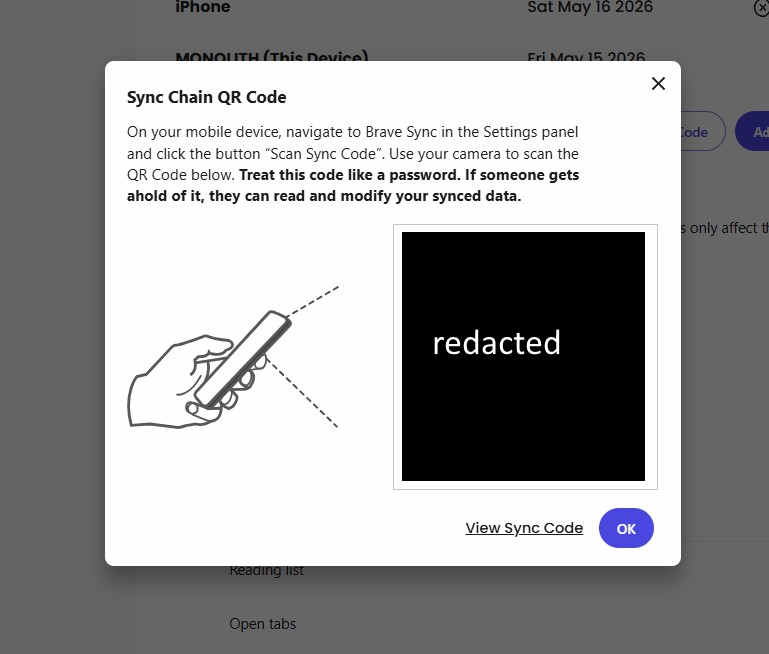
On subsequent platforms, you go to the same “sync” section, but chose to connect to an existing sync chain. On your original platform you chose to View Sync Code. It can be either a QR Code that your phone or camera can scan to sync up:
or you can use a string of 25 words to enter on your new computer to allow permissions to sync.
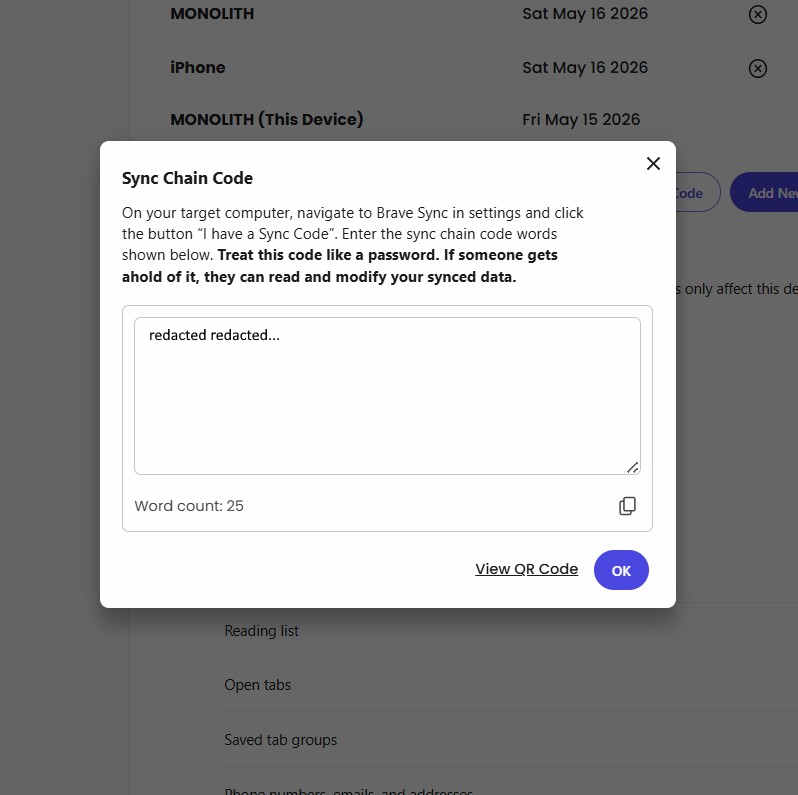
Figure 1 shows my sync device list:
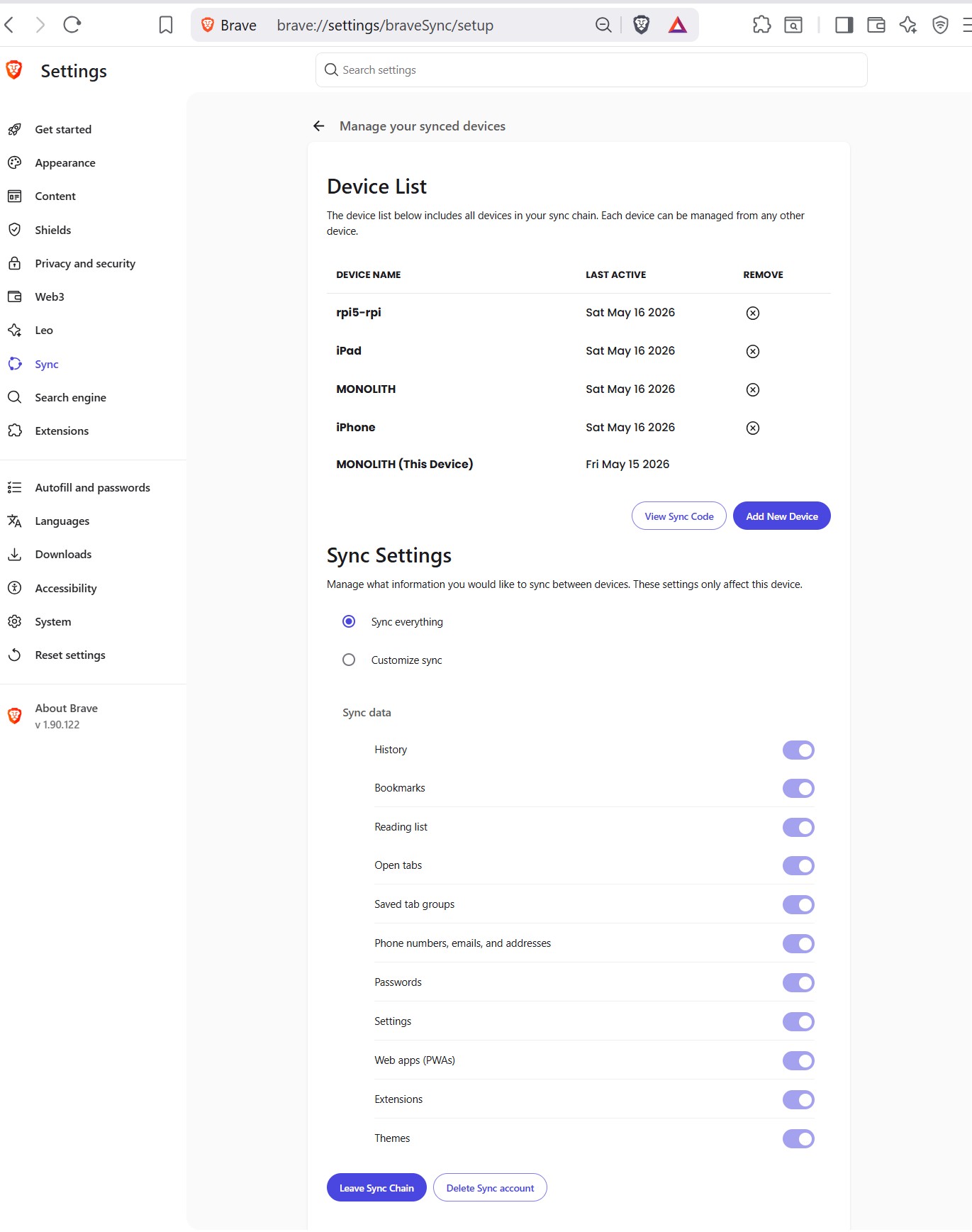
All of my devices now have a browser with all of the bookmarks I use on all of the devices. It’s very convenient and I like the explicit sync establishment step.
So far the browser has been solid and responsive. I have not yet tried out the VPN or delved too deeply into functionalities specific to Brave.
Hopefully, this browser will be responsive for a long time, and I won’t have to try Yet Another Browser any time soon.